Tens of thousands
of photos. One fast app.
Local · NAS · Apple Photos in one fast, native app.
Proven daily on a 67,000-photo library.
macOS 14+ · Apple Silicon & Intel · Native · Open Source (MIT)
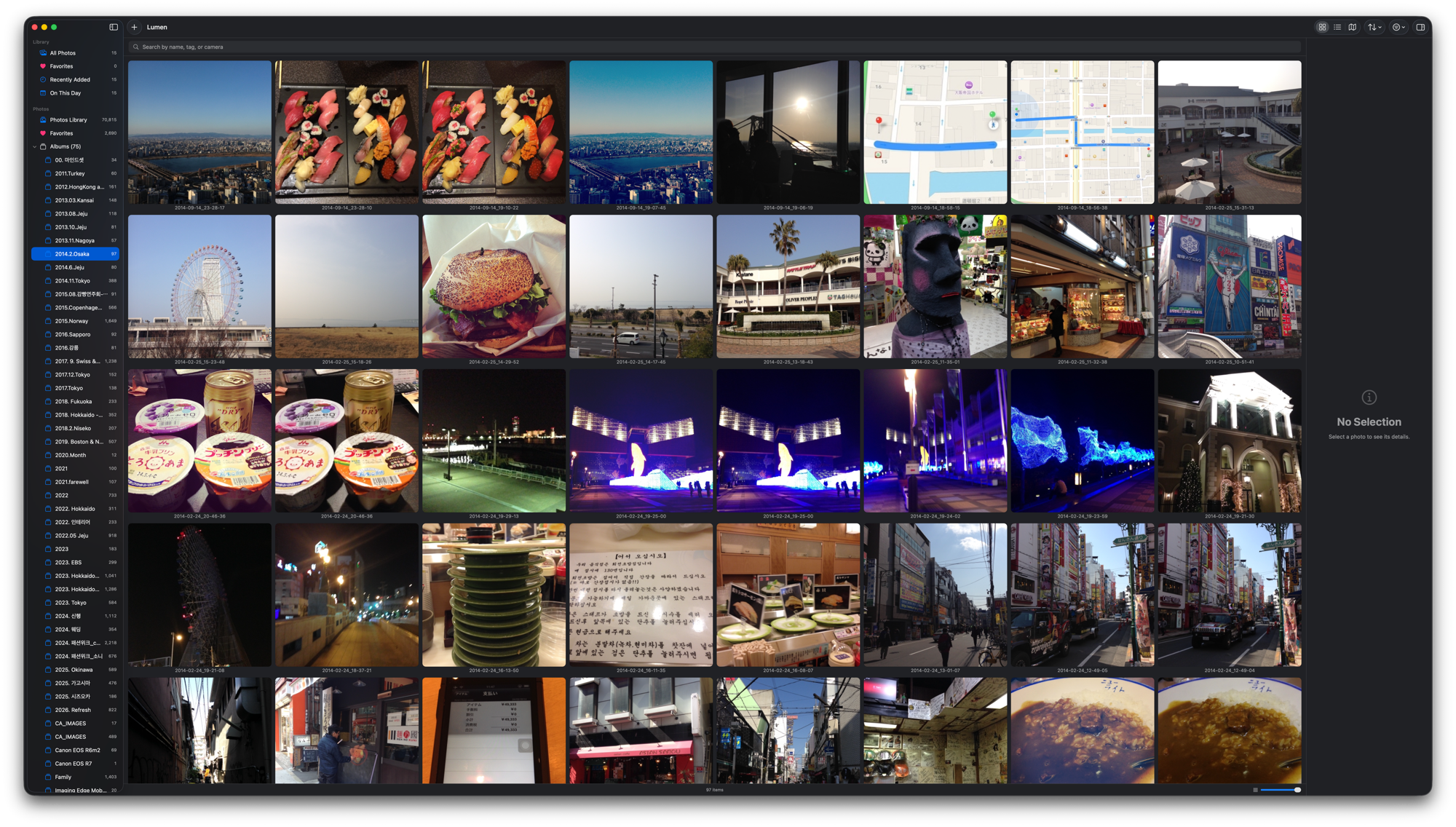
Local · NAS · Apple Photos in one fast, native app.
Proven daily on a 67,000-photo library.
macOS 14+ · Apple Silicon & Intel · Native · Open Source (MIT)
Why Lumen
Tested daily against a 67,000-photo NAS library. Folders open in 1 ms on average, and launch shows your photos immediately — no loading screen.
Local folders, NAS, and Apple Photos (iCloud) side-by-side in a single window. The gap Photos.app and generic viewers leave — filled.
Crop · resize · rotate · merge · watermark — all saved as new files, originals untouched (overwrite is opt-in). Favorites, tags, and ratings are stored separately from the source files.
Features
All your scattered photos in one place. iCloud-only photos download on demand; GPS photos cluster on a map by zoom level.
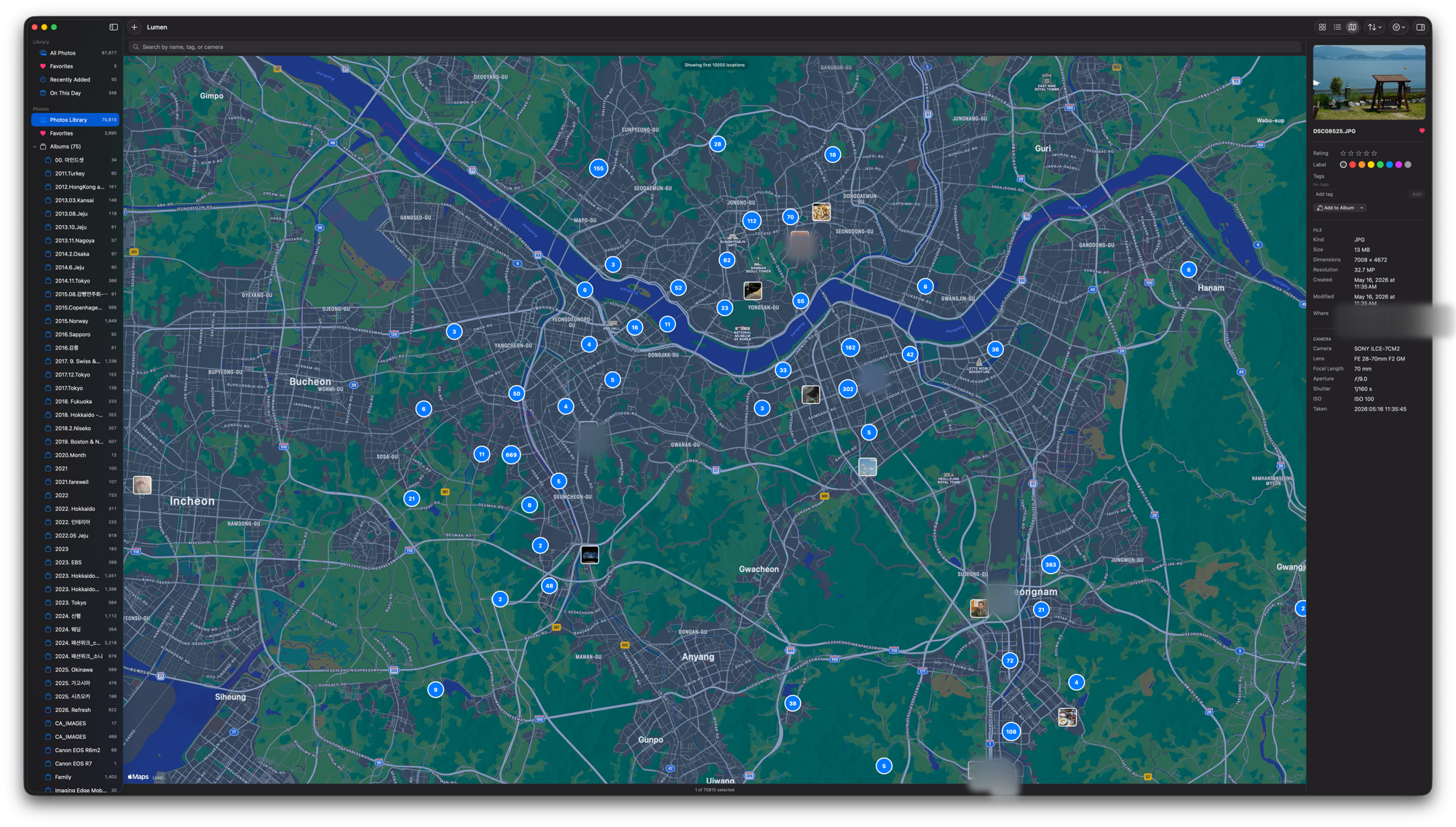
Go full-screen and stay there. The fastest culling flow for photographers:
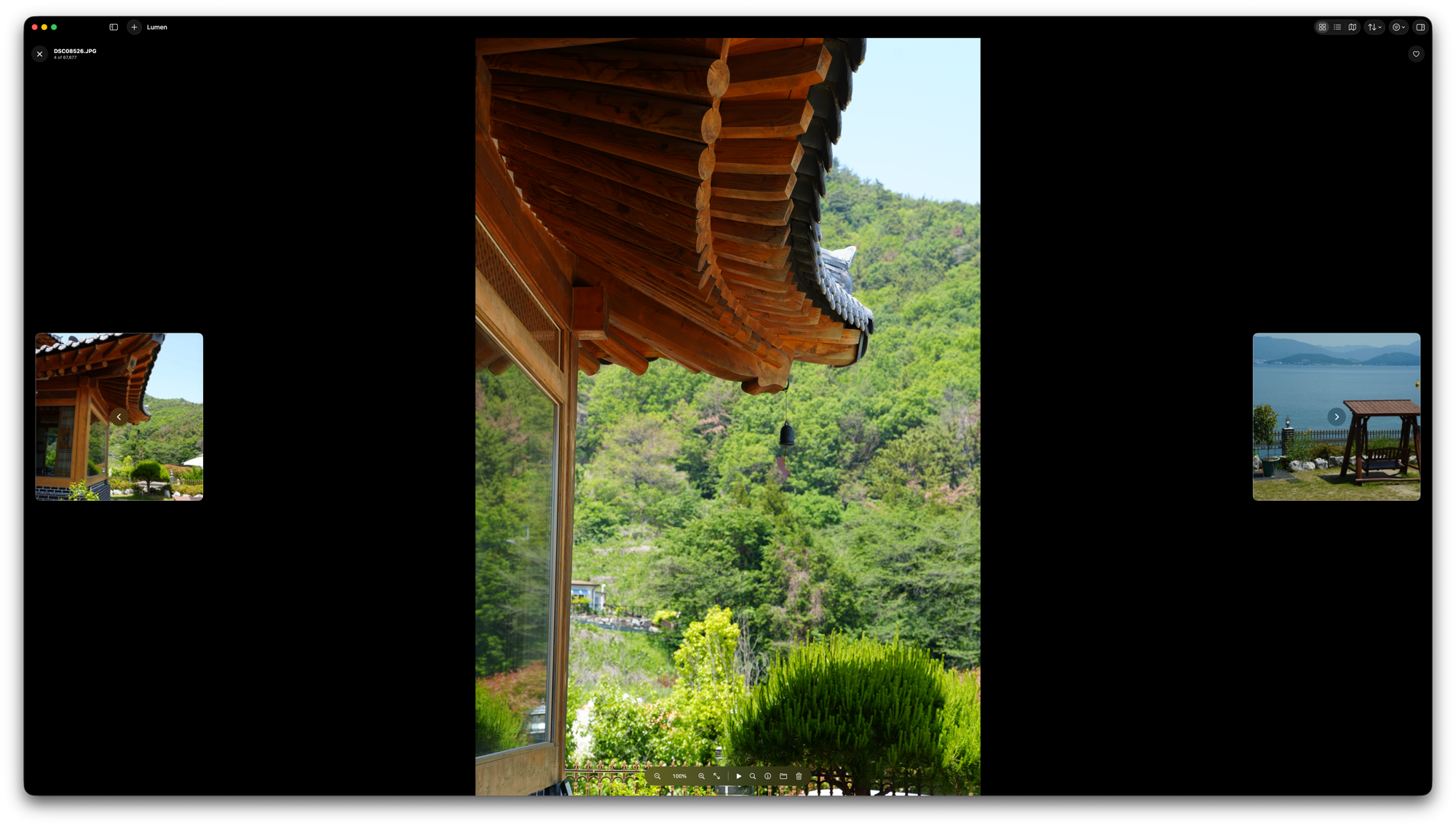
Crop (free or locked ratio) · rotate / flip · straighten · resize / square canvas (letterbox fill). Large edit canvas with zoom and precision crop, output-size preview. Always a new file.
Combine multiple photos horizontally, vertically, or in a grid (drag to reorder, set rows). Text or logo watermarks (position · color · opacity) — in the editor, merge tool, and batch export.
Resize, apply canvas rules, and stamp watermarks across many photos at once and export to a folder. Originals stay untouched.
Albums · tags · star ratings · color labels · reject flag · smart collections (favorites, recent, today, duplicates). Originals never modified.
Even on a NAS volume with no Trash, deletes move to a hidden .LumenTrash kept for 30 days instead of vanishing. Every delete gets a 10-second Undo that restores the files, ratings, and album memberships.
Search by filename, tag, or camera model. Filter by star rating, label, location, camera (e.g. SONY), and hide-rejected toggle.
System share sheet, export original / resized / zip, bulk rename, set as desktop wallpaper.
Performance
Every folder opens instantly, and your photos are on screen the moment the app is. The table below is all measured, not promised.
Measured on the real library — 66,849 photos · 632 folders · external USB storage · Apple Silicon · v0.5.3. Not synthetic benchmarks: numbers come from an in-app instrumentation probe.
| Test | Result |
|---|---|
| App launch → photo list ready | ~0.47 s (no loading screen — the grid is just there) |
| Folder open — all 632 folders swept | avg 0.6 ms · p95 1.1 ms · max 1.3 ms |
| Select all (⌘A, 66,849 photos) | ~20 ms |
| Search — filter+sort 66.8k photos | main-thread blocking: 0 (processed in background) |
| Thumbnail size / window resize | No stalls (GPU scaling) |
| App size | 10 MB installed · 3.5 MB download |
| Memory (66.8k library, idle) | ~394 MB · returns within seconds after scroll bursts (bounded by cache caps) |
| CPU | Idle 0.0% |
Methodology: in-app instrumentation probe (full folder sweep, main-thread cost timing) + process sampling, as of v0.5.3. The process is documented in the release notes.
Memoized lists · folder index · debounced navigation · background thumbnail warming · lazy EXIF indexing · progressive image loading
Reliability
A tool you run on a huge library every day owes you one promise first: your photos and your organizing work are safe.
Every delete gets a 10-second Undo. On a NAS or any volume with no Trash, files move to .LumenTrash for 30 days instead of vanishing. No feature ever modifies your original files.
Zero memory leaks · cache limits prevent OOM. Zero-byte and corrupt files, symlink loops, unicode and very long filenames are all handled safely.
312 automated tests gate every change, and it runs daily on a real 67k-photo NAS library. If a metadata write fails, it tells you instead of silently dropping it.
Privacy
Lumen makes exactly two kinds of network connections — a once-a-day update check against GitHub, and the NAS/iCloud content you open yourself. That's it.
Zero analytics, telemetry, accounts, or ads. Zero photos uploaded. There is no server.
Ratings, tags, and albums live in a single local SQLite file. Your original photo files are never modified.
If it ever crashes, only the version and stack trace are saved to your Mac; whether to send it as a GitHub issue is your choice on the next launch. Nothing is sent automatically — no file paths or photo data are included.
Download
Install via Homebrew · macOS 14 (Sonoma) or later · Free
brew tap rescenedev/tap
brew trust --cask rescenedev/tap/lumen-photos
brew install --cask lumen-photos
git clone the repo, then run ./Scripts/make_app.sh — no Xcode needed, just Command Line Tools.
Sponsor
Lumen is free and open source, and will stay that way.
A small sponsorship goes a long way toward the next update.