Tens of thousands
of photos. One fast app.
Local · NAS · Apple Photos in one fast, native app.
Browse comfortably. Pick up where you left off.
macOS 14+ · Apple Silicon · Native · Open Source (MIT)
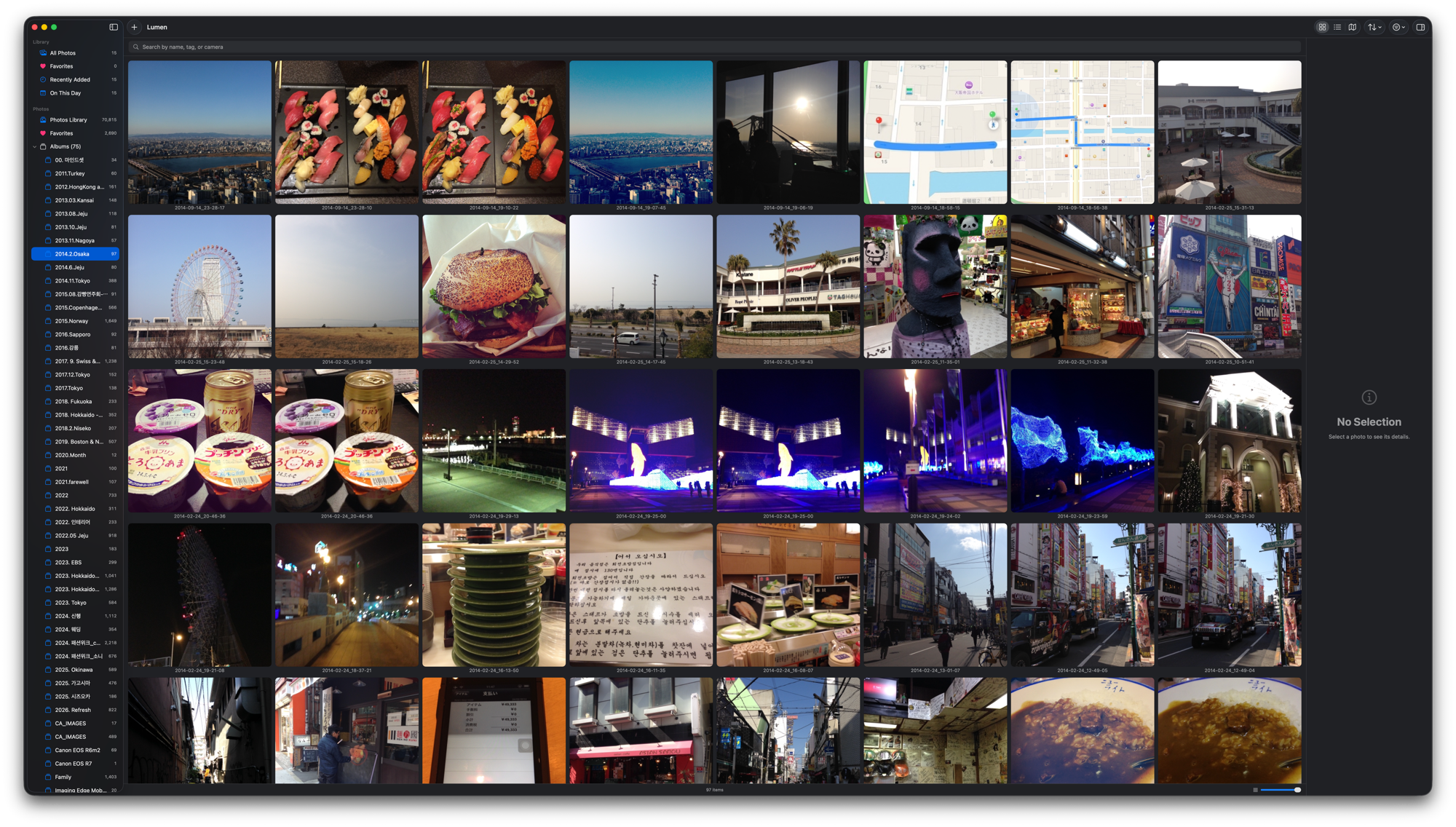
Local · NAS · Apple Photos in one fast, native app.
Browse comfortably. Pick up where you left off.
macOS 14+ · Apple Silicon · Native · Open Source (MIT)
New in 0.6.0
A native toolbar, persistent inspector, and quieter selection. Keep window controls accessible and switch between Fit and Actual Pixels.
Restore files and their organization from Recently Deleted. Metadata backups and save retries help protect your work.
Review status, Hold, and session resume. Organize local folders, NAS volumes, and Apple Photos in one window.
Features
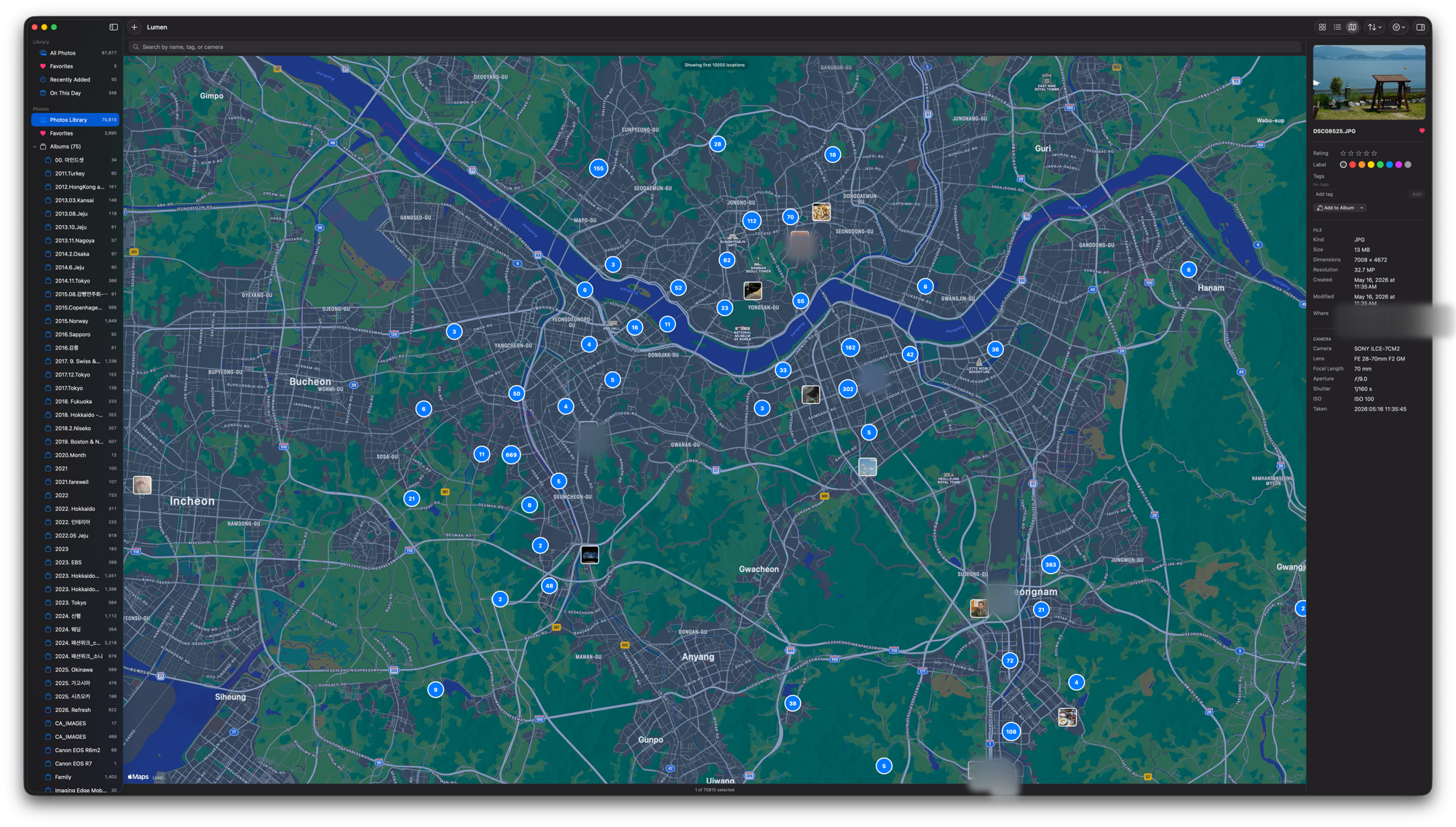
All your scattered photos in one place. iCloud-only photos download on demand; GPS photos cluster on a map by zoom level.
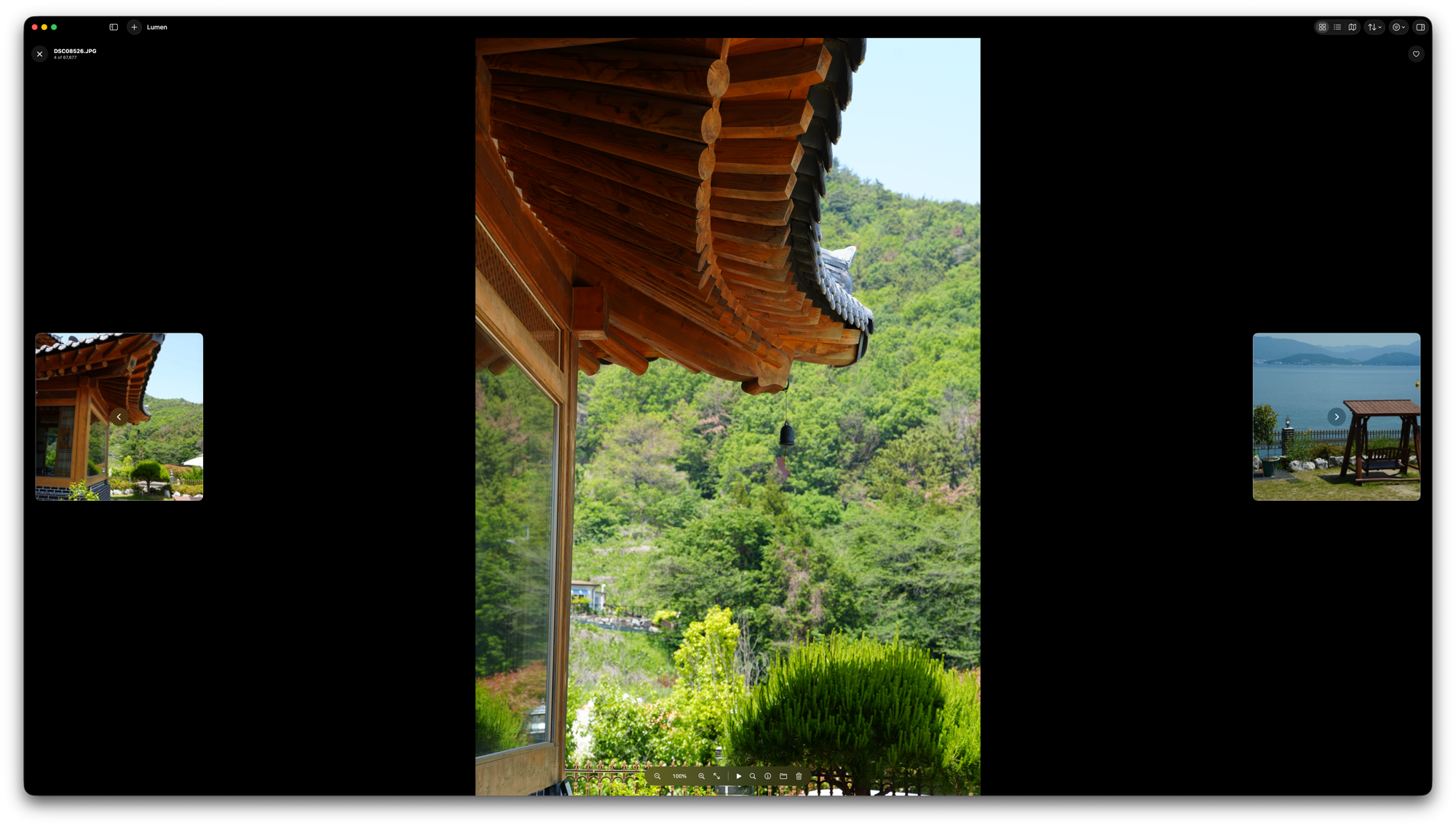
Go full-screen and stay there. The fastest culling flow for photographers:
Crop (free or locked ratio) · rotate / flip · straighten · resize / square canvas (letterbox fill). Large edit canvas with zoom and precision crop, output-size preview. Saves a new file by default; overwrite is opt-in.
Combine multiple photos horizontally, vertically, or in a grid (drag to reorder, set rows). Text or logo watermarks (position · color · opacity) — in the editor, merge tool, and batch export.
Resize, apply canvas rules, and stamp watermarks across many photos at once and export to a folder. Originals stay untouched.
Albums · tags · star ratings · color labels · reject flag · smart collections (favorites, recent, today, duplicates). Originals never modified.
Files move to .LumenTrash on the same volume and appear in Recently Deleted. No automatic expiry; reconnect the source volume to recover after a restart.
Search by filename, tag, or camera model. Filter by star rating, label, location, camera (e.g. SONY), and hide-rejected toggle.
System share sheet, export original / resized / zip, bulk rename, set as desktop wallpaper.
Performance
Cached lists and background work support large libraries. The historical v0.5.3 measurements below are not guarantees for this release or every storage device.
Measured on the real library — 66,849 photos · 632 folders · external USB storage · Apple Silicon · v0.5.3. Not synthetic benchmarks: numbers come from an in-app instrumentation probe.
| Test | Result |
|---|---|
| App launch → photo list ready | ~0.47 s (no loading screen — the grid is just there) |
| Folder open — all 632 folders swept | avg 0.6 ms · p95 1.1 ms · max 1.3 ms |
| Select all (⌘A, 66,849 photos) | ~20 ms |
| Search — filter+sort 66.8k photos | main-thread blocking: 0 (processed in background) |
| Thumbnail size / window resize | No stalls (GPU scaling) |
| Memory (66.8k library, idle) | ~394 MB · returns within seconds after scroll bursts (bounded by cache caps) |
| CPU | Idle 0.0% |
Methodology: in-app instrumentation probe (full folder sweep, main-thread cost timing) + process sampling, as of v0.5.3. The process is documented in the release notes.
Memoized lists · folder index · debounced navigation · background thumbnail warming · lazy EXIF indexing · progressive image loading
Reliability
A journal is saved before deletion. Restore never overwrites a conflicting destination. Automatic metadata backups retain 14 copies.
A separate image decoder supports deadlines and cancellation. Retry failed images and inspect interrupted jobs in the activity history.
Regression coverage includes recovery, metadata conflicts, permissions, and job state. Live NAS disconnects and macOS 14 hardware still need separate coverage.
Privacy
No analytics, telemetry, or ads. Lumen does not automatically upload photos to a Lumen server.
Ratings, tags, and albums live in a SQLite database on your Mac. You control export and restore.
GitHub update checks, Apple map services, and NAS or iCloud content you open can use the network. Sharing is initiated by you.
Crash records stay local and are not sent automatically. Review a report before choosing to share it.
Download
Install via Homebrew · macOS 14 (Sonoma) or later · Apple Silicon · Free
brew tap rescenedev/tap
brew trust --cask rescenedev/tap/lumen-photos
brew install --cask lumen-photos
git clone the repo, then run ./Scripts/make_app.sh — no Xcode needed, just Command Line Tools.
Sponsor
Lumen is free and open source, and will stay that way.
A small sponsorship goes a long way toward the next update.